Training doesn't wait for the internet.
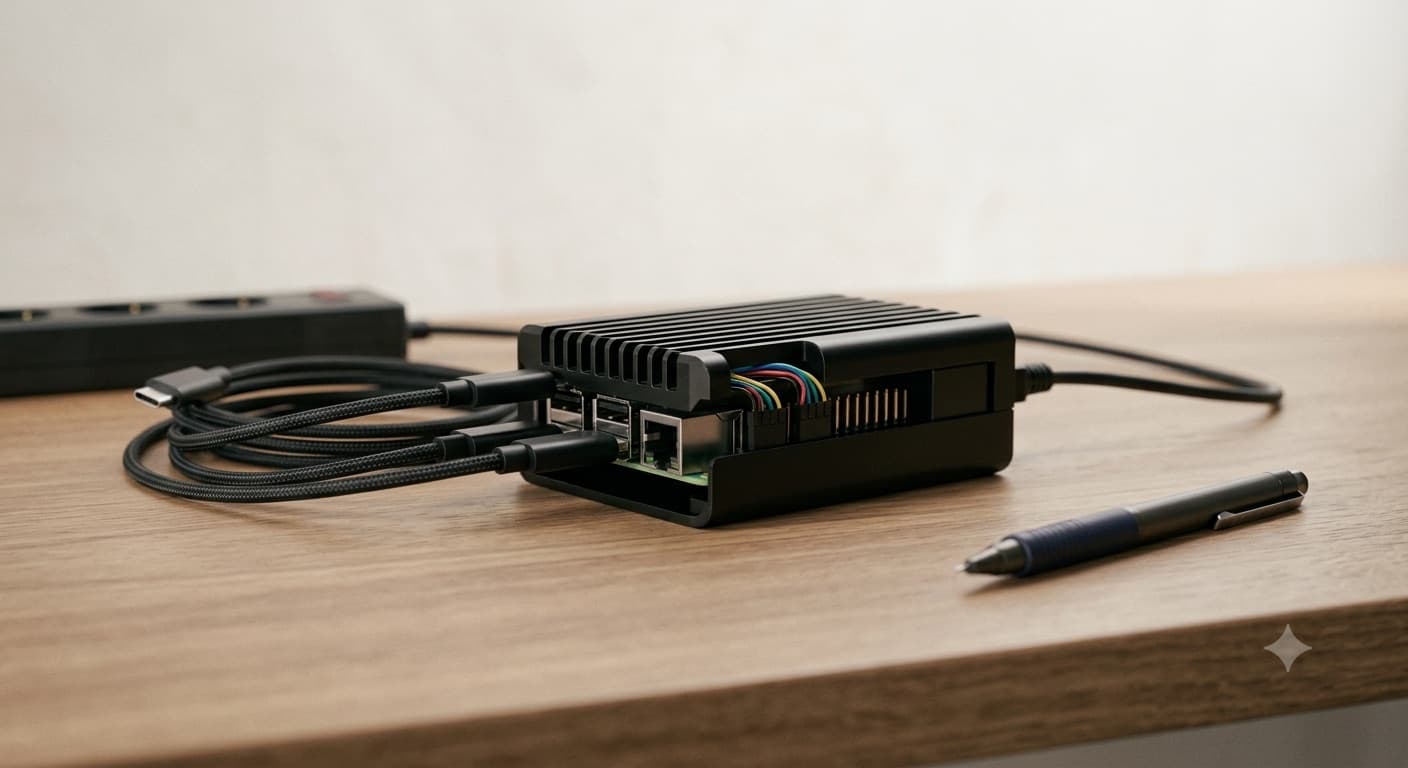
Perimeta AI is a self-contained device that turns any room into a fully connected training venue — no Wi-Fi, no data bundles, no dependency on infrastructure you don't control. Plug it in, and facilitators and participants are live in minutes, with an AI tutor built into the experience.
The room goes quiet the moment the signal drops.
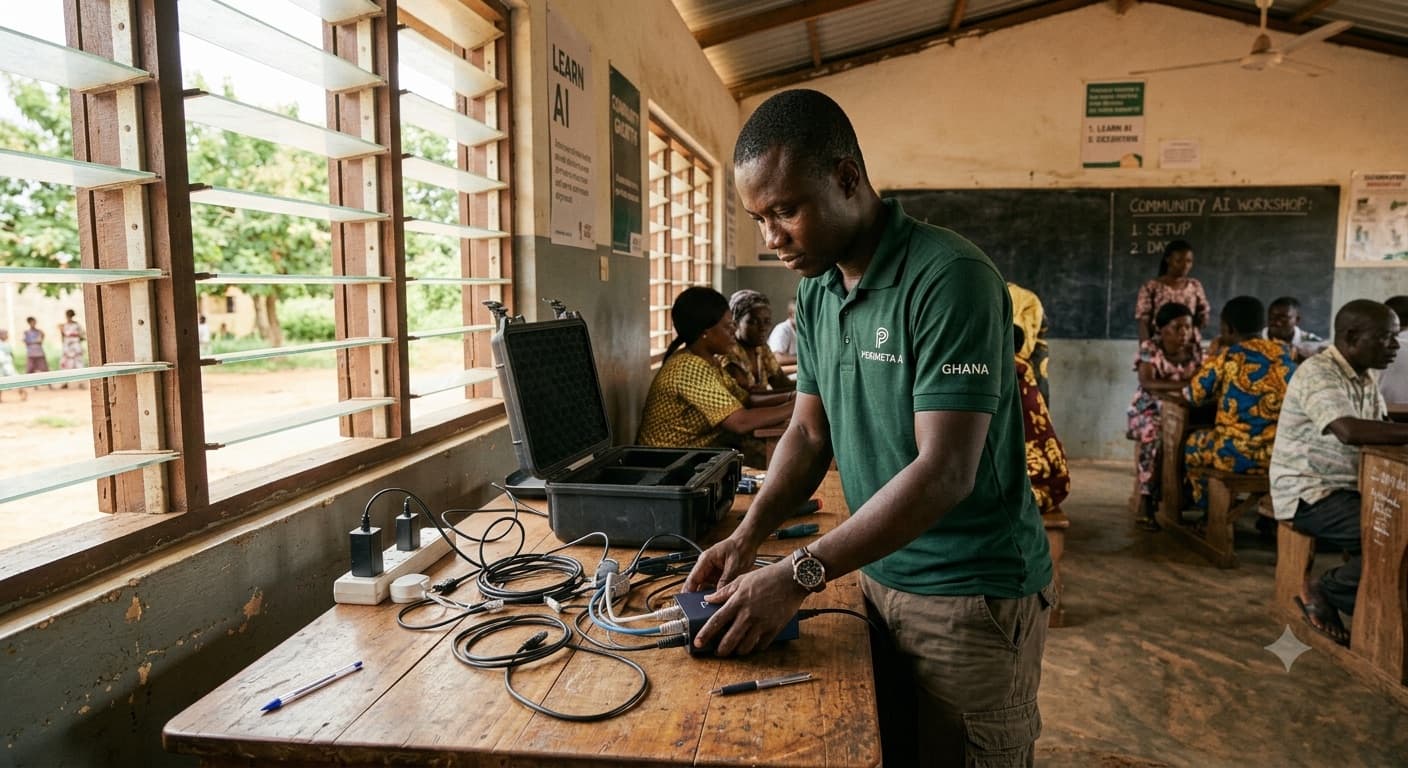
Anyone who has run or attended a workshop in a place with unreliable connectivity knows the pattern: the projector's ready, the participants are seated, and then the session stalls because a slide won't load, a platform times out, or half the room can't get online at all.
It's not a rare edge case. It's the default condition for a huge share of training delivered outside major, well-connected venues — across summits, university halls, community centers, and company sites in emerging markets and beyond.
The usual workaround
Trainers currently patch around this with downloaded slides, printed handouts, and hope.
None of it recreates the interactivity — live Q&A, individual pacing, on-demand explanation — that makes training actually stick.
The training room brings its own network.
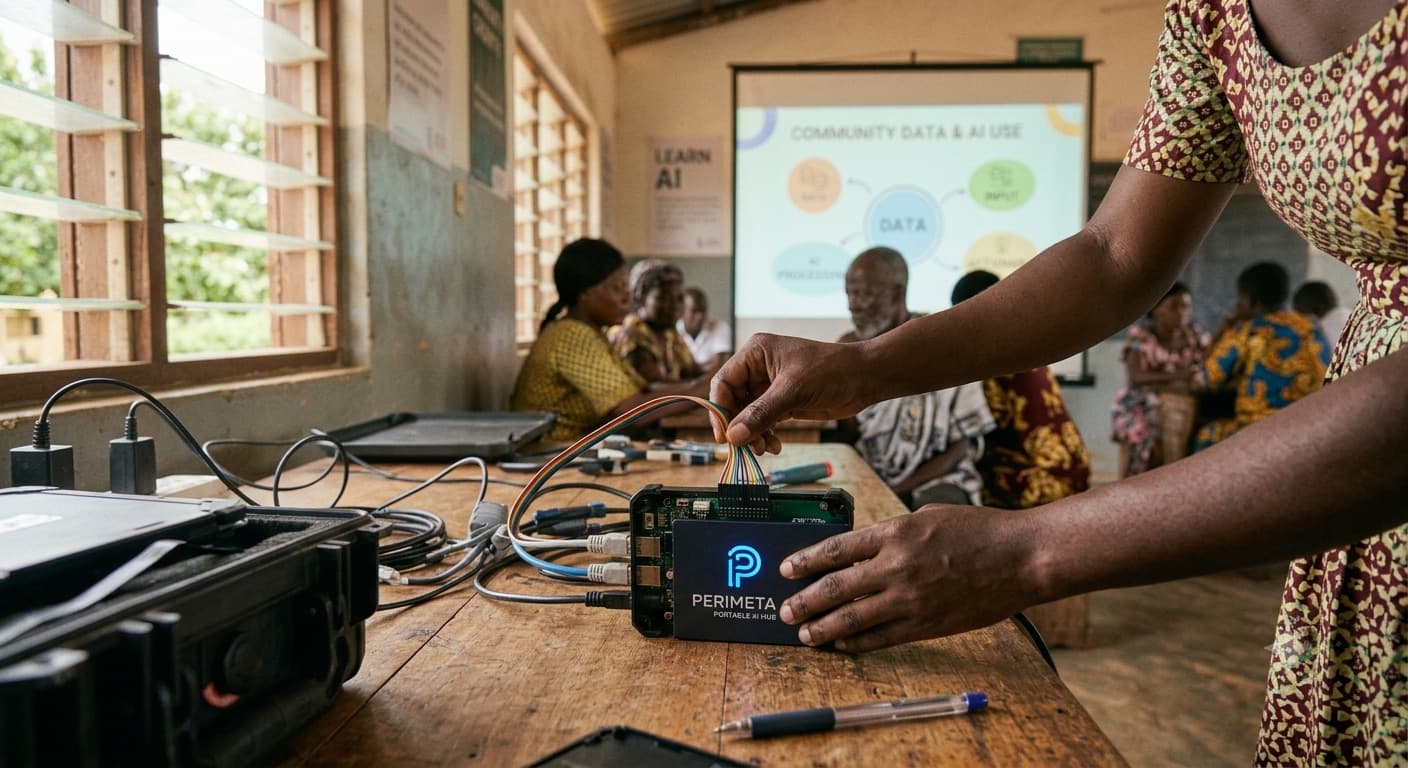
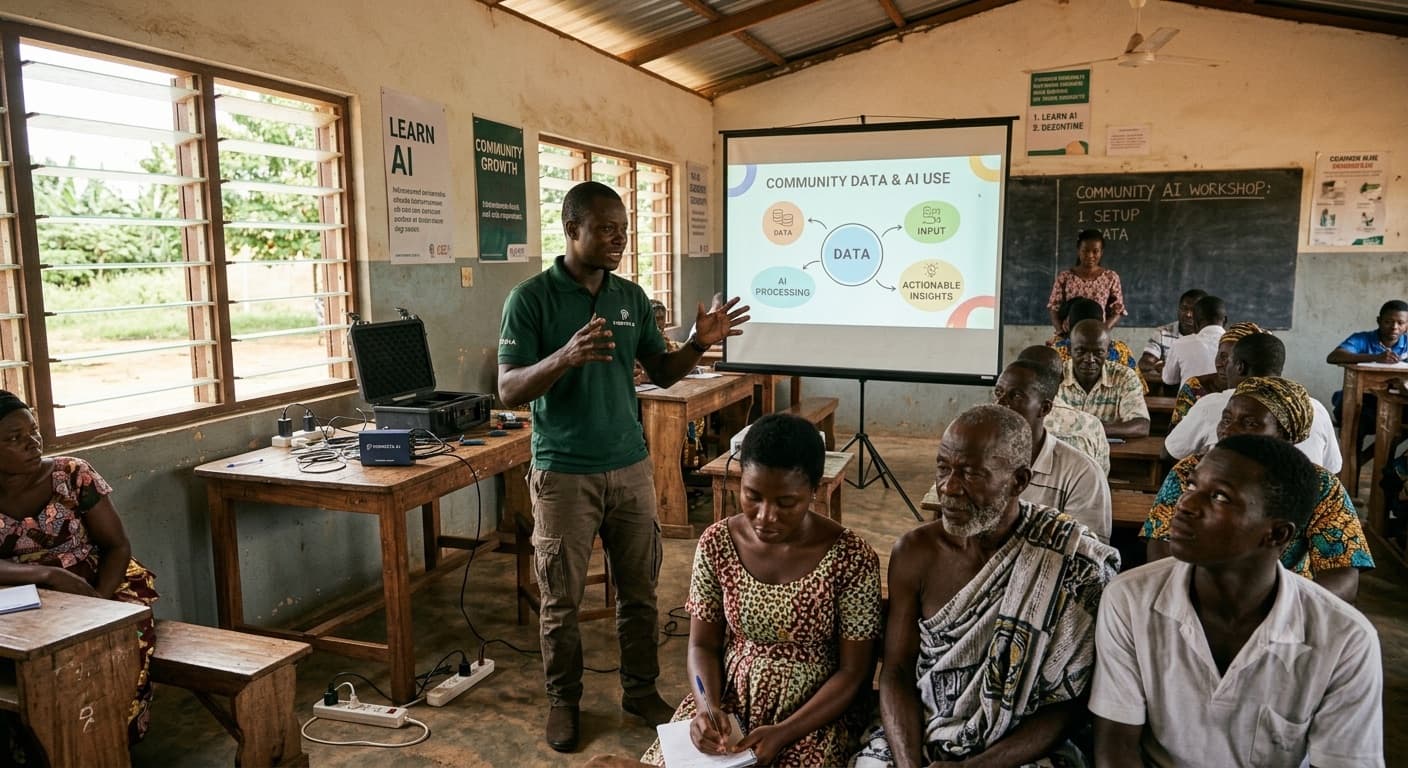
Perimeta AI is a compact, self-hosted device that brings the training room's network with it. It broadcasts its own local connection, serves the full curriculum to every device in the room, and runs an AI assistant on-device to answer participant questions in real time — all without touching the internet.
Facilitator view
Control the pace of the session, see who's connected and where they're stuck, and advance modules live.

Participant view
Follow along on your own phone or laptop, work through exercises, and ask questions as they come up.

AI assistant, built in
Answers are grounded in the actual training material being taught, not generic search results.
How it works
Demo video coming soon
Power it on
The device creates its own local network for the room.
Facilitator connects
Their control view shows live participant status as the session loads.
Participants join
In seconds, via a shared code or QR scan — no typing addresses, no login walls.
Training runs live
An AI assistant stands by to answer questions tied directly to the material being taught.
Pack up and go
Nothing was left on someone else's server, and nothing depended on a connection that might not have been there.

Most training technology assumes reliable, fast internet is a given. In much of the world — and in plenty of well-connected places too, from rural sites to secure facilities to large indoor venues with poor signal — that assumption breaks the tool exactly when it's needed most.
The room's network is self-contained, so the quality of the session has nothing to do with the quality of the building's Wi-Fi.
Who it's for
Conference & summit organizers
Running hands-on workshops for large, mixed-device audiences.
Universities & bootcamps
Delivering technical training in labs or halls with inconsistent connectivity.
Corporate L&D teams
Running onboarding or upskilling sessions at sites without reliable infrastructure.
NGOs & development organizations
Delivering training in field locations, wherever the work happens.
Privacy-first organizations
Any team that wants training content to stay fully private and on-premise, without a cloud dependency.
Features at a glance
Self-hosted local network — works anywhere, with or without internet
Live facilitator dashboard: attendance, pacing, common sticking points
On-device AI assistant grounded in your actual curriculum
No accounts, installs, or per-participant setup
Fully private — no session data leaves the room
Portable hardware, ready in minutes
Bring a session that can't be interrupted
Book a demo or pilot for your next workshop, summit track, internal training, or field program. Takes about two minutes.
Step 1 of 8 · Organization
Who's booking?
Tell us who to coordinate with.